


FIG. 01 Documentary Video Engine

Make VOX-Style Videos
In 1 Day

Stop spending weeks and thousands of dollars on editors. Just upload a script and an Voiceover MP3, press one button, and go grab a coffee.

95% Faster
90% Cheaper
See It In Action
HIGGSFIELD Logo heygen Logo MINIMAX Logo SUPABASE Logo REMOTION Logo ELEVENLABS Logo FLOWSTEP Logo

See The VOX-style In Action

Real VIDEOs. Made from a script and an MP3, START to FINISH.

PREVIEW INTERFACE

See It Before You Pay For It

Scene navigation, script editor, and the exact cost — all in one browser window. Rearrange scenes, rewrite lines, swap footage. Nothing is charged until you hit render.
Preview Interface
UPDATES

What's New In v3.5?

Redesigned preview editor. Faster, cleaner, easier to scan. 12 motion styles. Pick a look, apply it to every scene. CLI access. Plug the render engine into your own workflow.

Update Interface
RENDER TIME

5 Hours, Not 5 Weeks

About an hour of render time per finished minute — an 8-minute explainer lands in a single afternoon. You approve the frames, then leave it running. No timeline to babysit, no overnight exports, no re-rendering because scene four drifted.

Render Engine
See How It Works An afternoon, not a fortnight

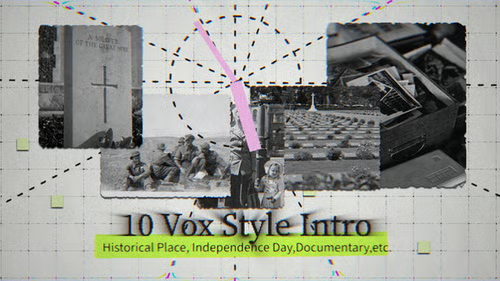
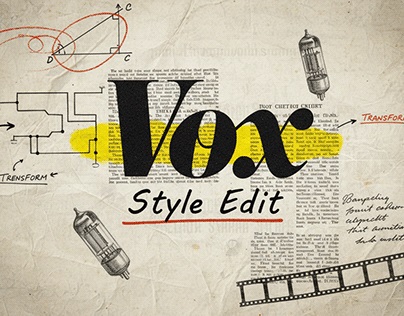
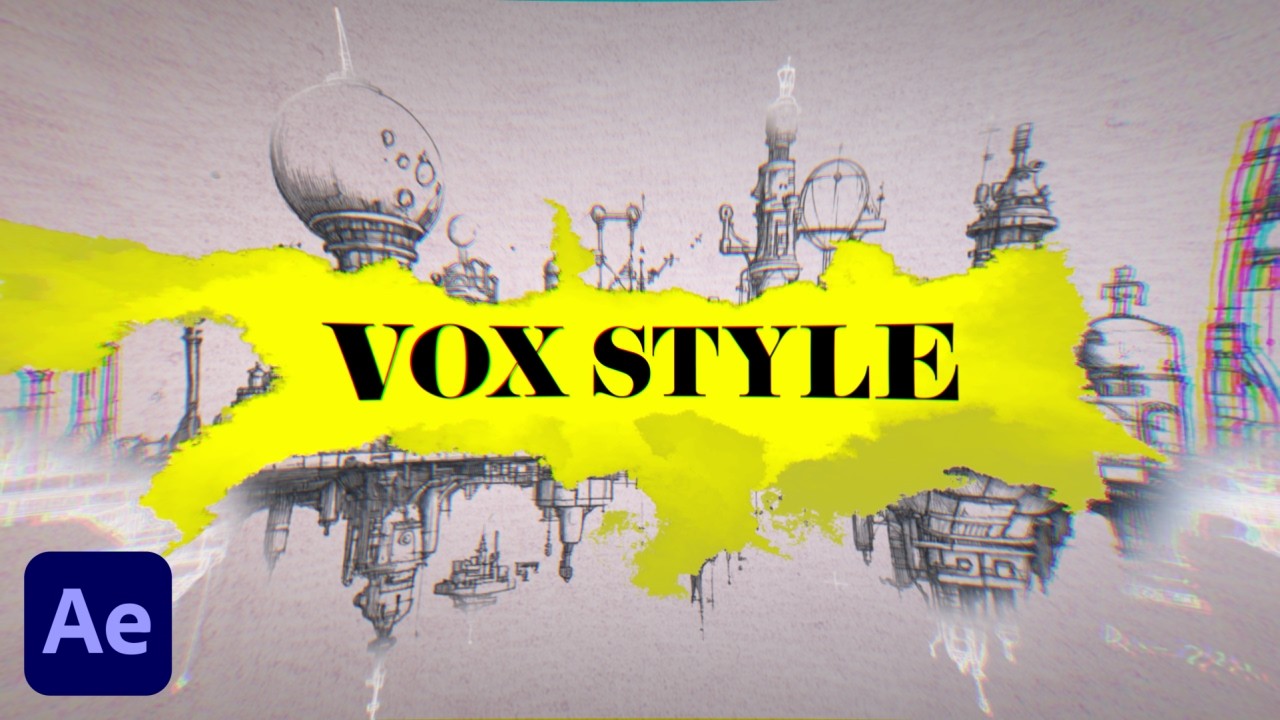
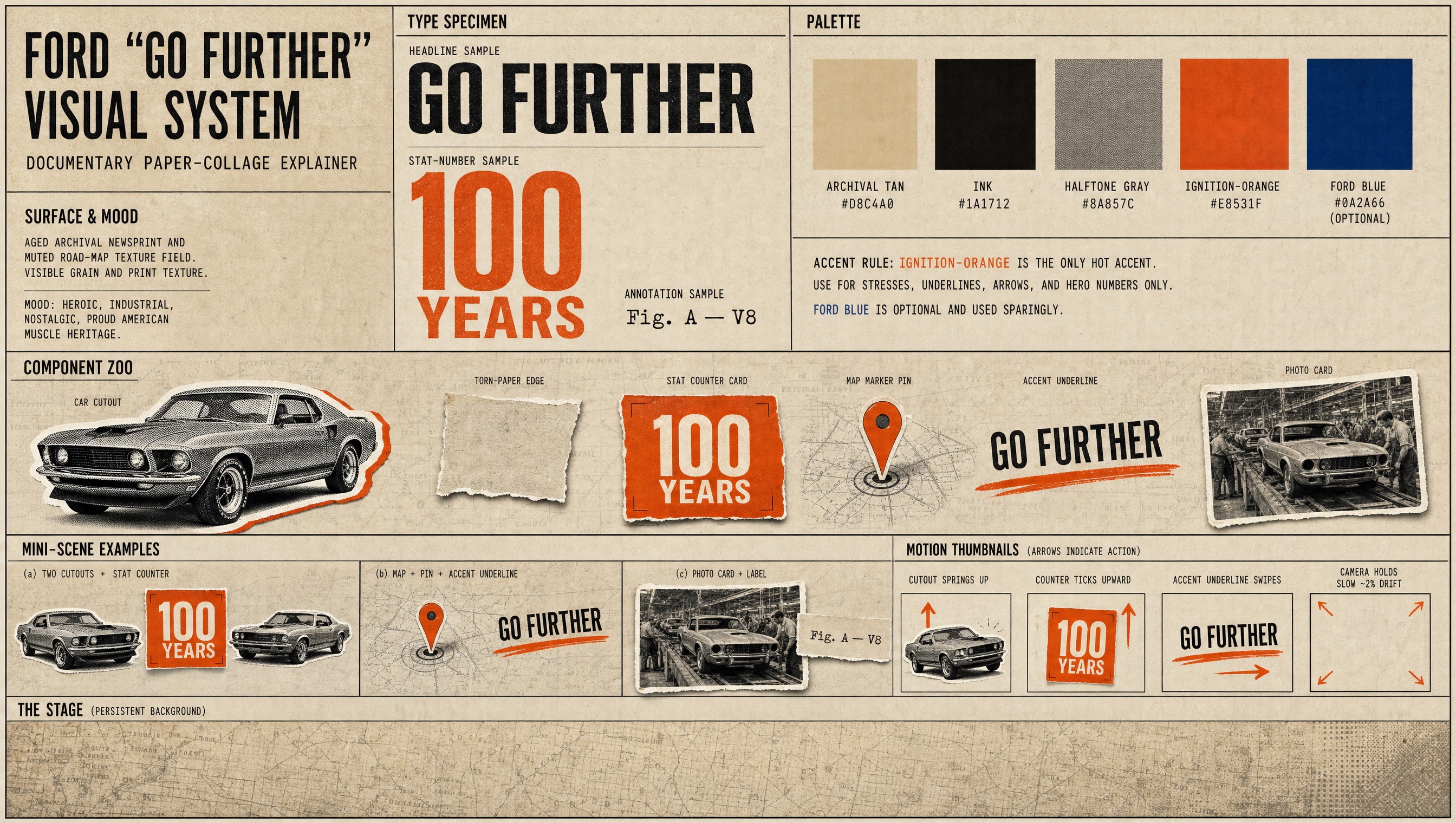
12 Unique Motion Styles

Pick a style once. Every scene in your video comes out matching it — same look, same pacing, same quality, start to finish.

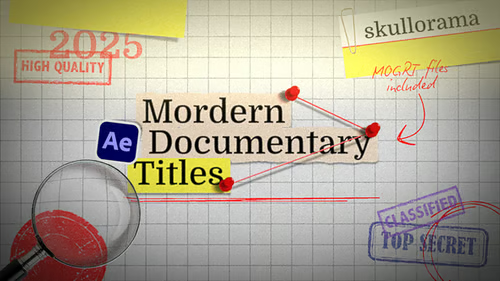
Classic Documentary
Style Preview
Layered Paper
Style Preview
Paper Diorama
Style Preview
Claymation
Style Preview
Mixed Media
Style Preview
Pixel Art
Style Preview
Fluffy Toy
Style Preview
Ink & Wash
Style Preview
Flat Vector
Style Preview
Silhouette Theatre
Style Preview
Watercolor Storybook
Style Preview
Retro Print
Style Preview
VIDEO TUTORIAL

Watch Someone Make VOX-video

Pick a Project, Drop in Your MP3 Voiceover, Hit Render, Export For YouTube.

REC ● 00:00:14:08 SRC / WEBUI-8765 40°42'46"N 74°00'21"W RENDER v3.5
VOX-ERA v3.5 VERIFIED BUILD
IDE + AI Agent
Become A VOXER One payment · Lifetime access · No subscription
FIG. 02 Why VOX-era

Everything you need,
built in

Everything you need to go from idea to published video — built in, no extras required.

01

Just Script + Voiceover

You wrote the script. You recorded the voiceover. VOX-era handles the rest — timing, visuals, animation, assembly, delivery.

02

One Look, Locked

It builds a single style sheet first, then generates every frame against it. Scene four looks like scene one. No drift, no re-rolling until it matches.

03

Cut to Voice, Frame-by-Frame

Your voiceover becomes the clock. Every scene is timed to your actual words, and every clip locked to its exact length. Audio and video never slip.

04

Knowing Price Before Spending

It reads your credit balance and shows the cost in dollars up front. Nothing is charged until you say go. A real 59-second spot cost $9.

05

Try With $0

Want to watch it work before paying? It runs the full pipeline against placeholders — every step, zero credits — so you see what you're buying first.

06

Buy Once, Use Forever

No subscription to us. One purchase, unlimited videos, and 6 months of free updates.

THE PROBLEM

Making Vox-style Video Is
brutally hard

Most creators burn hours on every video and still don't get views.
Here's why the old workflow fails.

Weeks, Not Hours

A single animated explainer means storyboards, illustration, keyframes, and sync. Editors quote weeks and charge thousands.

💸

Every Scene Looks Different

Generate eight clips with AI and you get eight different videos. Different palette, different texture, different world. It reads as amateur instantly.

🎯

You Are Not A Motion Designer

After Effects, timelines, easing curves, frame rates. The look is learnable — the software is a second career.

🔄

Credits Gone, Nothing to Show

AI tools bill you before you see anything. You find out a render was wrong after you've already paid for it.

FIG. 03 How It Works

From zero to published in 3 steps

No editing software, no timeline, no motion design. You bring the words and the voice.

1
🛒

Buy Once

One payment of $49.97. Lifetime access to the tool and 6 months of free updates. No subscription.

2
✏️

Drop Script + Voiceover

Open the folder in any IDE with an AI agent — Claude Code, Codex, Gemini, whichever you use. Say "make my video." It reads your voice, plans the scenes, and shows you every frame before animating.

3
🚀

Approve & Render

See the exact cost in dollars, approve, and walk away. About an hour of render time per finished minute. You come back to the video and a receipt of what it spent.

Start Making Videos No editing software required · Works in your IDE

Loved by Creators

Cover
★★★★★

"VOX-era completely changed my workflow. I used to spend 10 hours editing a single short. Now it takes me 15 minutes."


Avatar

David C.

Tech YouTuber
Cover
★★★★★

"The 12 motion styles are incredible. My audience retention jumped by 40% immediately after using this tool."


Avatar

Laura T.

Educational Channel
Cover
★★★★★

"I was paying an editor $500/video. With VOX-era, the quality is exactly the same, and I just bought it once. Insane ROI."

Avatar

Marcus V.

Finance Creator
PRICING

One price. Unlimited videos.

No subscriptions. No limits. Seriously.

REF / VOX-v3.5 · LIC-LIFETIME
LIFETIME ACCESS
$49.97
$97 one-time payment - no monthly fees
  • Any length, any style
  • 12 motion styles
  • One locked look across every scene
  • Works in any IDE with an AI agent
  • Exact cost in dollars before every render
  • Free $0 test run before you spend anything
  • 6 months of free updates
Own the agent for life — $49.97
30-day money-back guarantee · Instant delivery · No subscription
FIG. 04 Questions

Frequently asked

Do I need to write my own script and record my own voiceover? +
Yes. VOX-era is the editing and animation engine — you bring a finished script and a voiceover MP3, it handles everything after that. If you're looking for something that writes scripts or generates voices, this isn't it.
What does it cost to actually make a video? +
The tool is $49.97 once. Rendering runs on your own Higgsfield account, billed directly by them — a real 59-second video cost $10.33. You see the exact dollar cost before anything is charged, and you can run the whole pipeline for $0 first to see it work.
How long does a render take? +
About an hour per finished minute. A 60-second video is roughly an hour; an 8-minute explainer takes about five. You approve the frames up front, then leave it running.
Do I need to know how to code? +
No. You open the folder in any IDE, tell the AI agent to make your video, and approve things as it goes. It installs what it needs and explains anything it can't do for you.
What software do I need? +
An IDE with an AI agent — Claude Code, Codex, Gemini, whichever you already use. No After Effects, no Premiere, no timeline. One setup step you do yourself: installing ffmpeg, with an illustrated 5-page guide included.
Why does every scene look consistent? +
It builds one style sheet first, then generates every frame against it. That's the difference between eight AI clips that look like eight different videos and one video that looks intentional.
What happens if a render fails halfway? +
It picks up where it stopped and never pays twice for anything already generated. Every run keeps a manifest of what it made and what it cost.
Can I use the videos commercially? +
Yes. Of course, the video is yours, so you can do anything you want.
Can I make vertical videos for TikTok or Shorts? +
Yes. It asks your aspect ratio before anything else — 16:9 or 9:16 — and builds the whole video to fit.
READY?

Your next viral video will be
done in hours.

4,200+ creators have already bought the template once and are making videos forever. Join them for just $49.97.

✅ 30-day money-back guarantee ✅ Instant access after payment ✅ Free updates for life